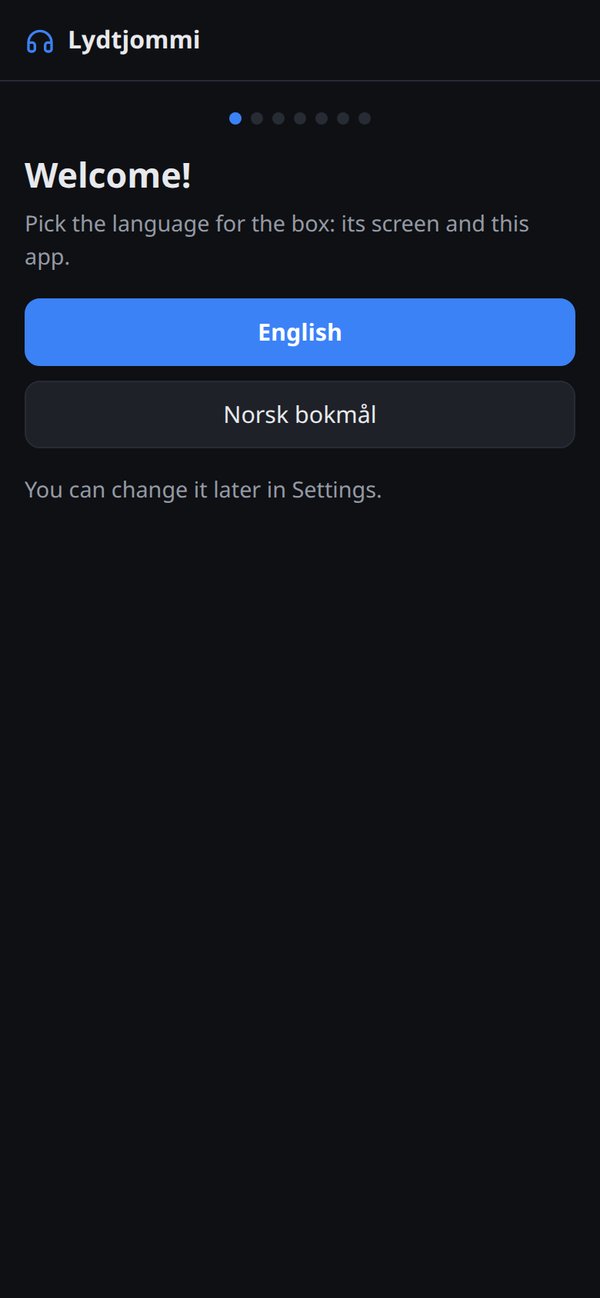
Lydtjommi has two parts: the box, with a small touchscreen, and a web app on your phone for everything that is easier with a keyboard.
On the box your kid picks something and presses play: a radio station, a podcast, an album or a playlist, with big covers and big buttons. There are no videos, no feed and no recommendations to scroll through.
On the phone a parent does the setup: Wi-Fi, Spotify, which radio stations and podcasts to show, and which items are ticked For kids. The phone app also holds the parent PIN and the bedtime lock: at a time you choose the box stops the music, plays white noise and stays locked until morning.
On the box
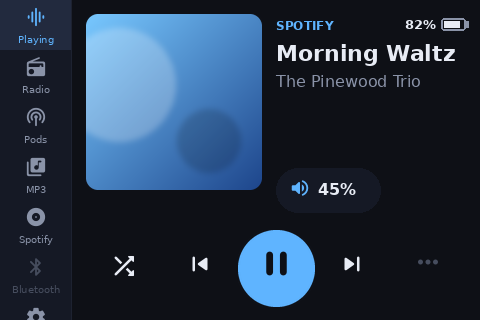
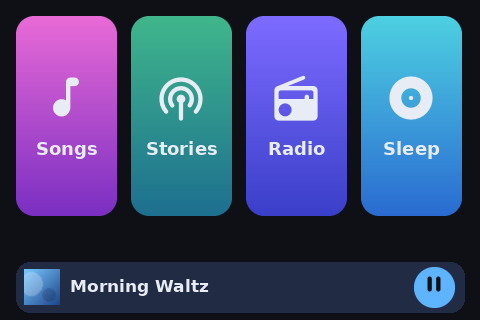
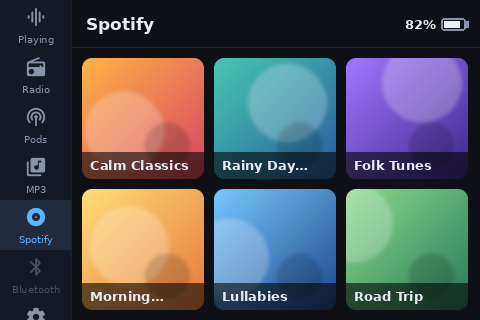
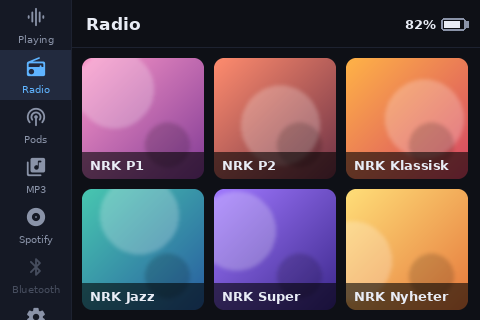
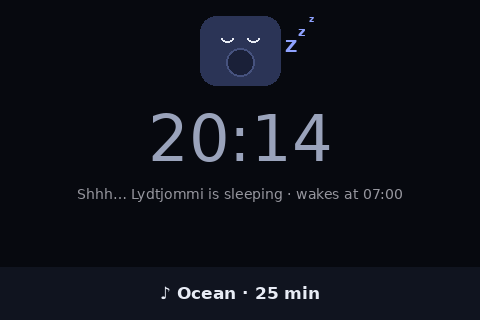
Now playing, with the cover, big buttons and the battery badge.Kid mode: four big tiles and only what's ticked "For kids".Playlists as covers.Radio stations.Bedtime: the box is asleep, white noise plays, and it wakes in the morning.
On the phone
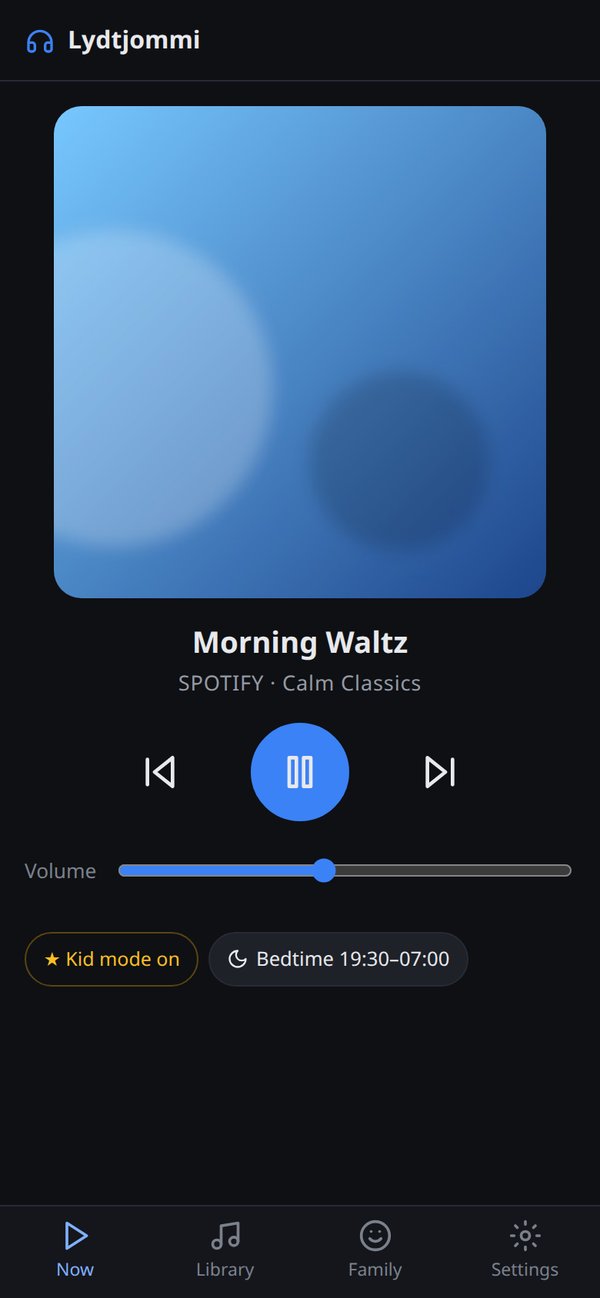
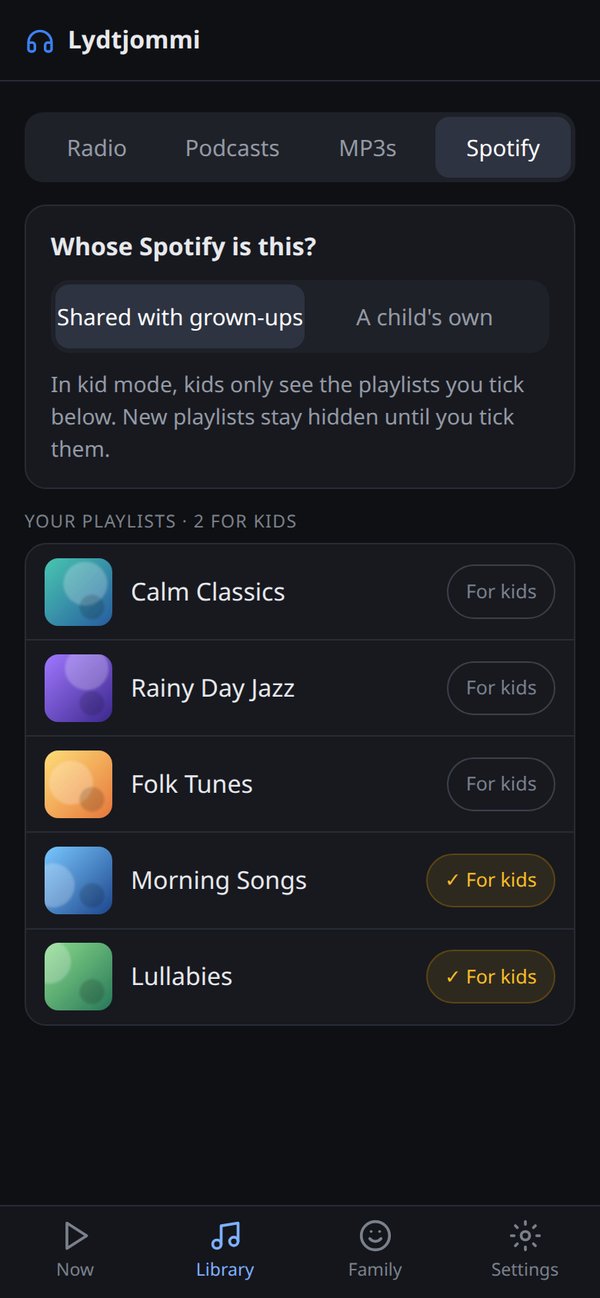
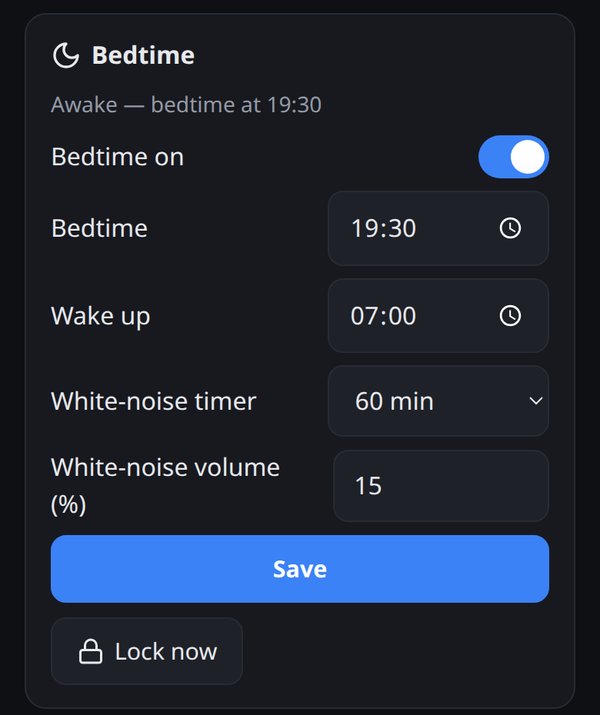
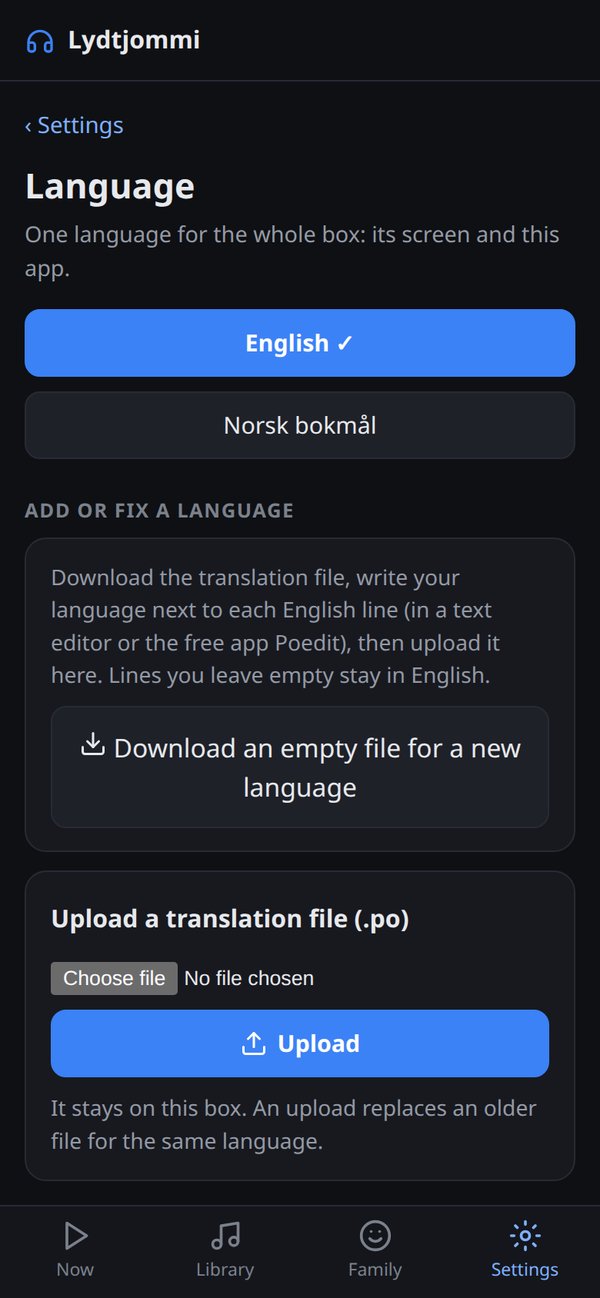
What's playing, with kid mode and bedtime at a glance.Tick single Spotify playlists "For kids" on a shared account.Bedtime, wake-up and the white-noise timer.The setup wizard starts on the phone.Languages, including your own uploaded translation.
Code and SD card image
All of Lydtjommi’s software will be free and open source under the GPL: the box, the phone app and the translations, so improvements stay open. It’s going through a full code review first, and goes public on GitHub with a licence when it’s ready to ship.
There will also be a ready-made SD card image: write it to a card, put it in the Pi, and set up the rest from your phone.
Code coming soon — when it's ready to ship.
SD card image coming soon — it needs a rebuild first.
Translate it into your language
Lydtjommi speaks Norwegian and English, and you can add your own language without touching the code:
On the box, go to Settings › Language and download the translation file.
Fill in your language.
Upload it again. It stays on your box.
The code repository explains the file format in companion/lang/README.md. If you make one, send it to me and it can ship with the next release.